
Squarespace vs WordPress: Which Is Better for Students and Teachers?

In today’s digital-first education environment, having an online presence is no longer optional for students and teachers—it’s essential. From submitting assignments and showcasing portfolios to running class websites, publishing research, and building personal brands, websites play a critical role in modern learning and teaching.
Two of the most popular website-building platforms are Squarespace and WordPress. Both are powerful, widely used, and capable of supporting educational needs—but they are fundamentally different in how they work, how much control they offer, and how easy they are to use.
So the big question is:
Squarespace vs WordPress: which is better for students and teachers?
The answer depends on your goals, technical skills, budget, and how much time you’re willing to invest. In this in-depth guide, we’ll break down everything you need to know—from ease of use and design to pricing, security, blogging, SEO, and classroom use cases—so you can confidently choose the platform that fits your educational journey.
Understanding Squarespace and WordPress
Before comparing them directly, it’s important to understand what each platform actually is.
What Is Squarespace?
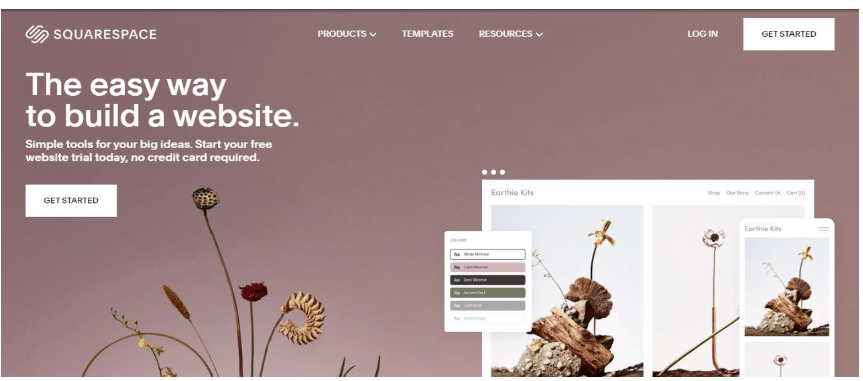
Squarespace is an all-in-one website builder. It provides everything you need—hosting, design templates, security, and support—in one subscription. You don’t need to worry about installing software, managing updates, or configuring servers.
Squarespace is known for:
- Elegant, modern design templates
- Drag-and-drop editing
- Built-in features (blogging, analytics, forms)
- Minimal technical setup
It’s especially popular among creatives, educators, and users who want professional results without technical complexity.
What Is WordPress?

WordPress comes in two versions:
- WordPress.com (hosted)
- WordPress.org (self-hosted)
When people talk about WordPress’s power and flexibility, they usually mean WordPress.org, which is open-source software you install on your own hosting.
WordPress is known for:
- Complete customization and control
- Thousands of themes and plugins
- Scalability from simple blogs to massive learning platforms
- A steeper learning curve
WordPress powers over 40% of all websites on the internet, including universities, online courses, and educational blogs.
Ease of Use: Which Platform Is More Beginner-Friendly?
Squarespace: Designed for Simplicity
Squarespace is built with non-technical users in mind. If you’re a student or teacher who has never built a website before, Squarespace is one of the easiest platforms to learn.
Key advantages:
- Visual editor with real-time previews
- No coding required
- Pre-designed layouts
- Centralized dashboard
You can create a website, add pages, write blog posts, and publish content within hours—even minutes.
For busy teachers and students balancing coursework, assignments, and deadlines, this simplicity is a major win.
WordPress: Powerful but More Complex
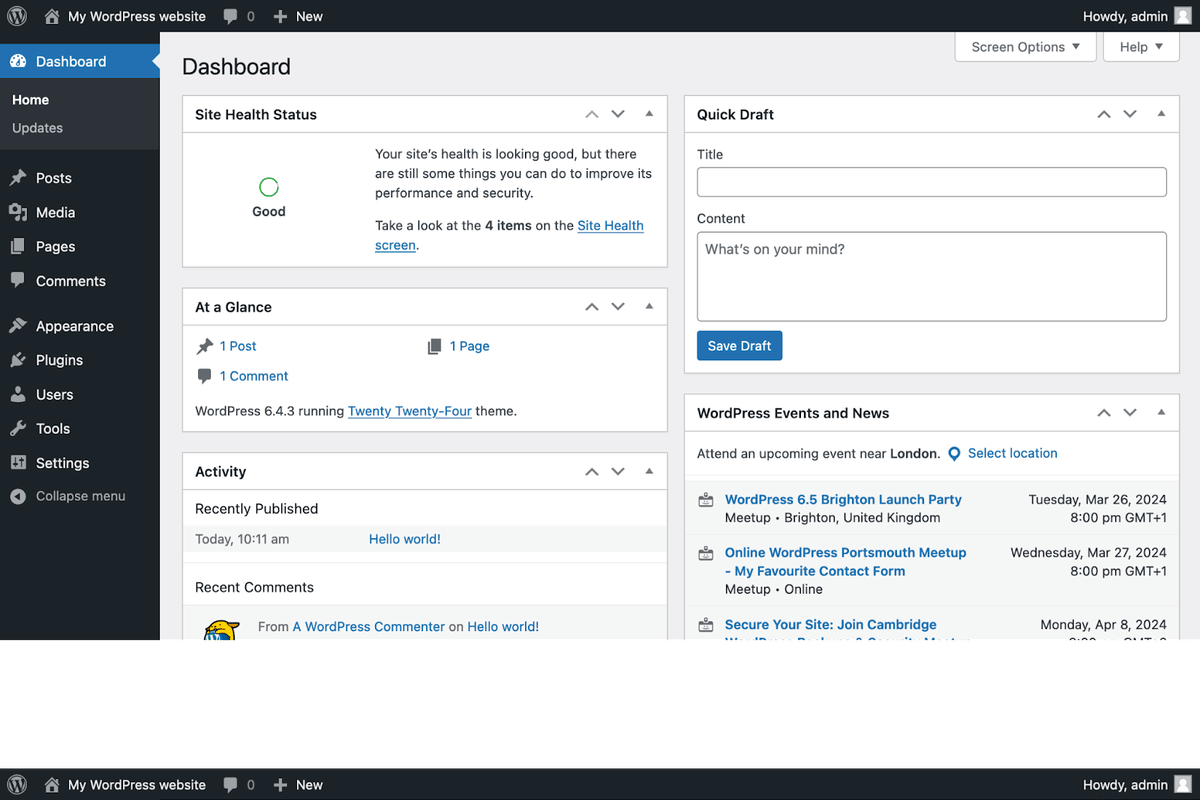
WordPress offers unmatched flexibility, but it comes at a cost: complexity.
With WordPress.org, you must:
- Choose hosting
- Install WordPress
- Select and configure a theme
- Install plugins
- Manage updates and backups
While WordPress.com simplifies some of this, advanced customization still requires learning the system.
For tech-savvy students (e.g., computer science, web development, digital media), WordPress can be an educational tool itself. But for beginners, the learning curve can feel overwhelming.
Winner for ease of use: Squarespace
Design and Templates: Aesthetic vs Custom Freedom
Squarespace Design Strengths
Squarespace is famous for its beautiful, minimalist templates. Every template is professionally designed, responsive, and optimized for modern devices.
Design benefits:
- Clean typography
- Consistent spacing
- Mobile-ready by default
- No design experience required
For students creating portfolios or teachers building class websites, Squarespace offers a polished, academic-friendly look without extra effort.
WordPress Design Options
WordPress offers tens of thousands of themes—free and paid. You can create almost any design imaginable.
Pros:
- Unlimited customization
- Themes for every niche
- Page builders like Elementor or Gutenberg
Cons:
- Quality varies
- Customization can break layouts
- Requires design decisions
If you want total creative freedom and are willing to invest time, WordPress wins. But if you want something that “just looks good,” Squarespace excels.
Winner for design simplicity: Squarespace
Winner for design flexibility: WordPress

Blogging and Content Creation
Blogging is central to both academic and teaching workflows.
Squarespace Blogging
Squarespace’s blogging tools are built-in and intuitive:
- Categories and tags
- Scheduling posts
- Markdown support
- Comment moderation
- Social sharing
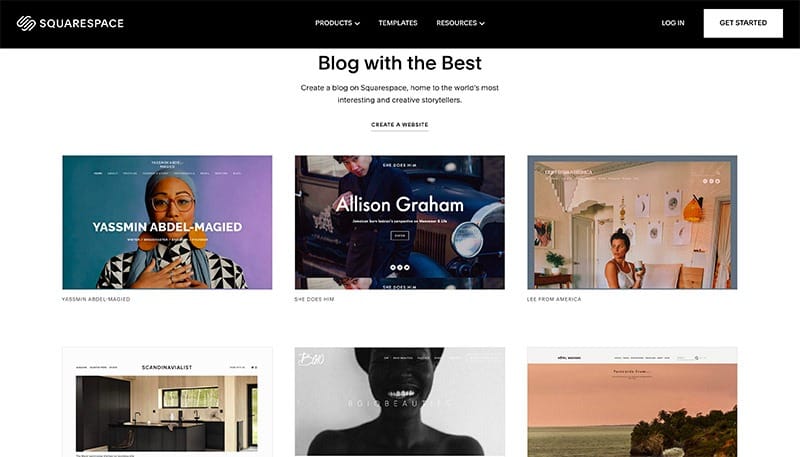
For reflective journals, course updates, announcements, or academic essays, Squarespace handles blogging effortlessly.
WordPress Blogging
WordPress started as a blogging platform—and it shows.
WordPress excels in:
- Advanced editorial workflows
- Multiple authors
- Custom post types
- Content revision history
- Plugin-based enhancements
If you’re running a multi-author academic blog, research publication, or student news site, WordPress is incredibly powerful.
Winner for simple blogging: Squarespace
Winner for advanced blogging: WordPress
Pricing and Budget Considerations
Squarespace Pricing
Squarespace operates on a subscription model:
- Hosting included
- Security included
- Templates included
- Support included
This predictability is helpful for students and educators on fixed budgets.
However, Squarespace does not have a permanent free plan (only a trial).
WordPress Pricing
WordPress itself is free—but the ecosystem isn’t.
Costs may include:
- Hosting
- Domain
- Premium themes
- Paid plugins
- Maintenance tools
While WordPress can be cheaper initially, costs can increase over time.
Winner for predictable pricing: Squarespace
Winner for budget flexibility: WordPress
SEO and Visibility
Squarespace SEO
Squarespace includes built-in SEO tools:
- Clean URLs
- Mobile optimization
- Meta descriptions
- Automatic sitemaps
- SSL certificates
It’s more than enough for:
- Student portfolios
- Teacher blogs
- Academic content
WordPress SEO
WordPress is the king of SEO customization.
With plugins like:
- Yoast SEO
- Rank Math
- All in One SEO
You can fine-tune every aspect of search optimization.
For research blogs, online courses, or educational brands aiming for high traffic, WordPress offers unmatched control.
Winner for advanced SEO: WordPress
Winner for beginner SEO: Squarespace
Plugins, Extensions, and Integrations
Squarespace Extensions
Squarespace offers built-in features and limited extensions:
- Forms
- Email campaigns
- Analytics
- Scheduling
- Commerce
This keeps things simple but limits customization.
WordPress Plugins
WordPress has over 60,000 plugins, including:
- Learning Management Systems (LMS)
- Student portals
- Online quizzes
- Accessibility tools
- Research repositories
If you want to build an online classroom or course platform, WordPress is far more capable.
Winner: WordPress
Security and Maintenance
Squarespace Security
Squarespace handles:
- Hosting
- Updates
- Backups
- Security patches
- SSL certificates
You don’t have to think about maintenance—perfect for educators who want peace of mind.
WordPress Security
With WordPress, you are responsible:
- Updates
- Backups
- Security plugins
- Hosting reliability
While secure when managed properly, it requires attention.
Winner: Squarespace
Accessibility for Education
Accessibility is crucial in education.
Squarespace Accessibility
Squarespace templates follow modern accessibility standards and are continuously improved. However, customization options are limited.
WordPress Accessibility
WordPress allows deep accessibility customization with the right themes and plugins, making it suitable for institutions with strict compliance requirements.
Winner for flexibility: WordPress
Winner for simplicity: Squarespace
Collaboration and Multi-User Support
Squarespace Users
Squarespace supports multiple contributors but is limited in role customization.
WordPress Users
WordPress shines here:
- Admins
- Editors
- Authors
- Contributors
- Custom roles
For classrooms, student publications, or research teams, WordPress is ideal.
Winner: WordPress
Real-World Use Cases
When Squarespace Is Better for Students and Teachers
Choose Squarespace if you want:
- A personal academic website
- A teaching portfolio
- A simple class website
- Minimal setup and maintenance
- A professional look fast
When WordPress Is Better for Students and Teachers
Choose WordPress if you want:
- An online learning platform
- A large academic blog
- Student collaboration
- Custom features and scalability
- Long-term growth
Squarespace vs WordPress: Quick Comparison Table
| Feature | Squarespace | WordPress |
|---|---|---|
| Ease of Use | Excellent | Moderate–Advanced |
| Design | High-quality templates | Unlimited themes |
| Blogging | Simple and clean | Powerful and advanced |
| SEO | Built-in | Plugin-based |
| Security | Fully managed | User-managed |
| Customization | Limited | Unlimited |
| Best For | Simplicity | Flexibility |
Final Verdict: Which Is Better for Students and Teachers?
There is no single “best” platform—only the best platform for your needs.
- If you value ease, design, and reliability, Squarespace is the better choice.
- If you need power, flexibility, and scalability, WordPress is unmatched.
For most students and teachers, especially beginners, Squarespace is the smarter, stress-free option. For advanced users, institutions, or tech-focused educators, WordPress offers long-term freedom.
Conclusion
Choosing between Squarespace and WordPress is not just a technical decision—it’s an educational one. The right platform can enhance learning, teaching, creativity, and communication.
Whether you’re a student building your first portfolio or a teacher launching a digital classroom, both platforms can support your goals. The key is understanding your priorities and choosing the tool that empowers you—not overwhelms you.
Download the PREPP App and attempt FREE Scholarship Mock Tests and get complete study material!


Comments